
One thing to do on a screen
One main button, at most. Everything else is quieter.
Veldwys Worker does two things. A worker says they have arrived and that they are leaving, and they see the jobs they or their team were given. No password, no menus to learn, in the language they read.
Free for every worker. Comes with Labour, on the Gratis, Plaas and Boerdery plans. iPhone and Android.
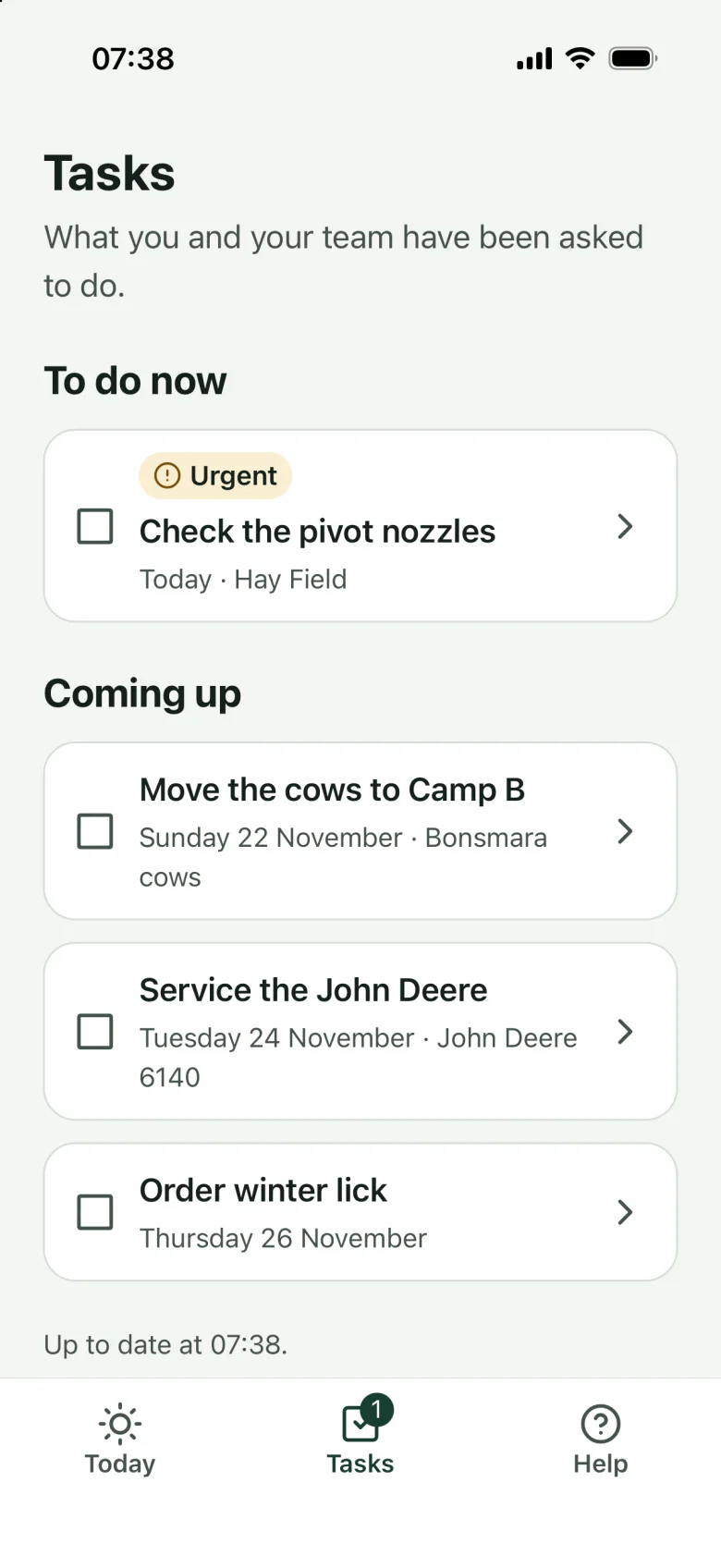
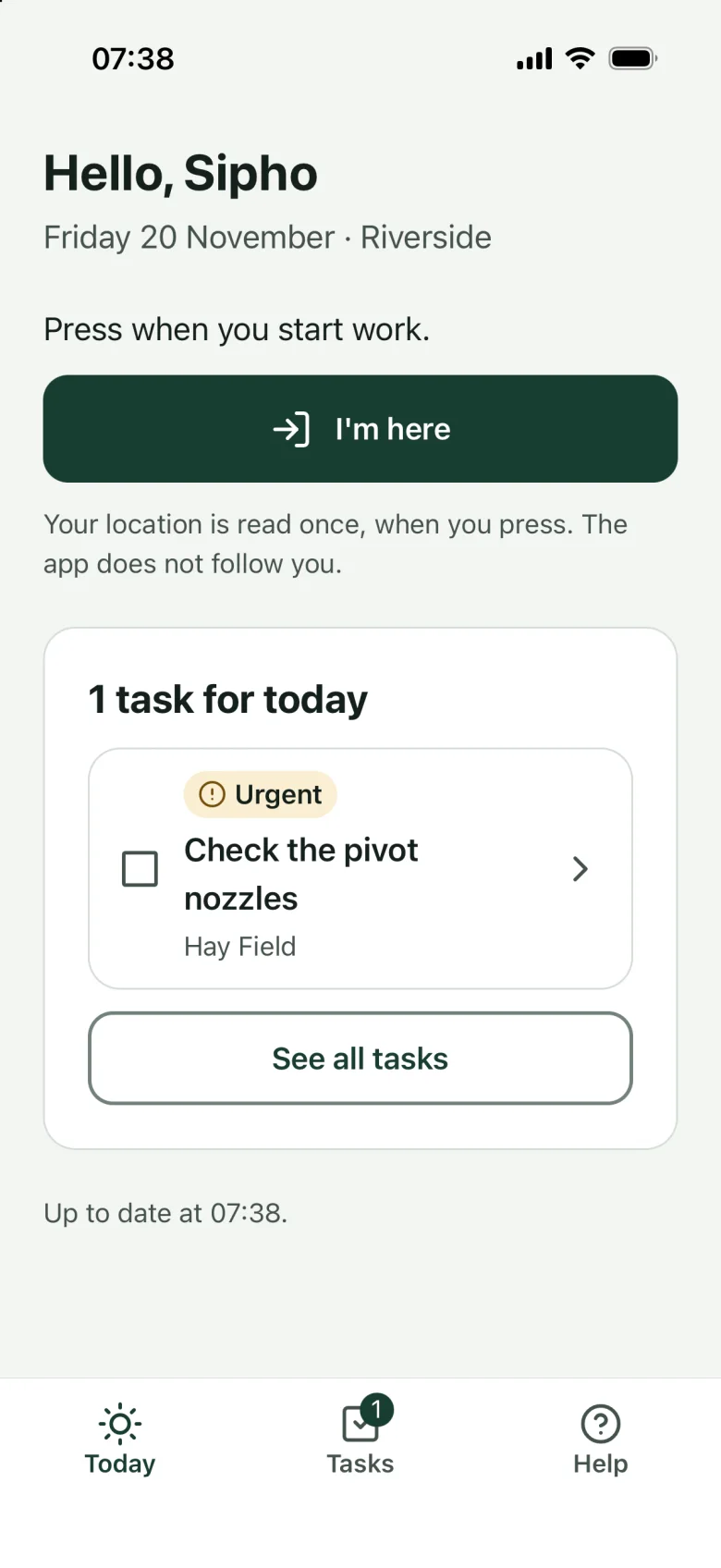
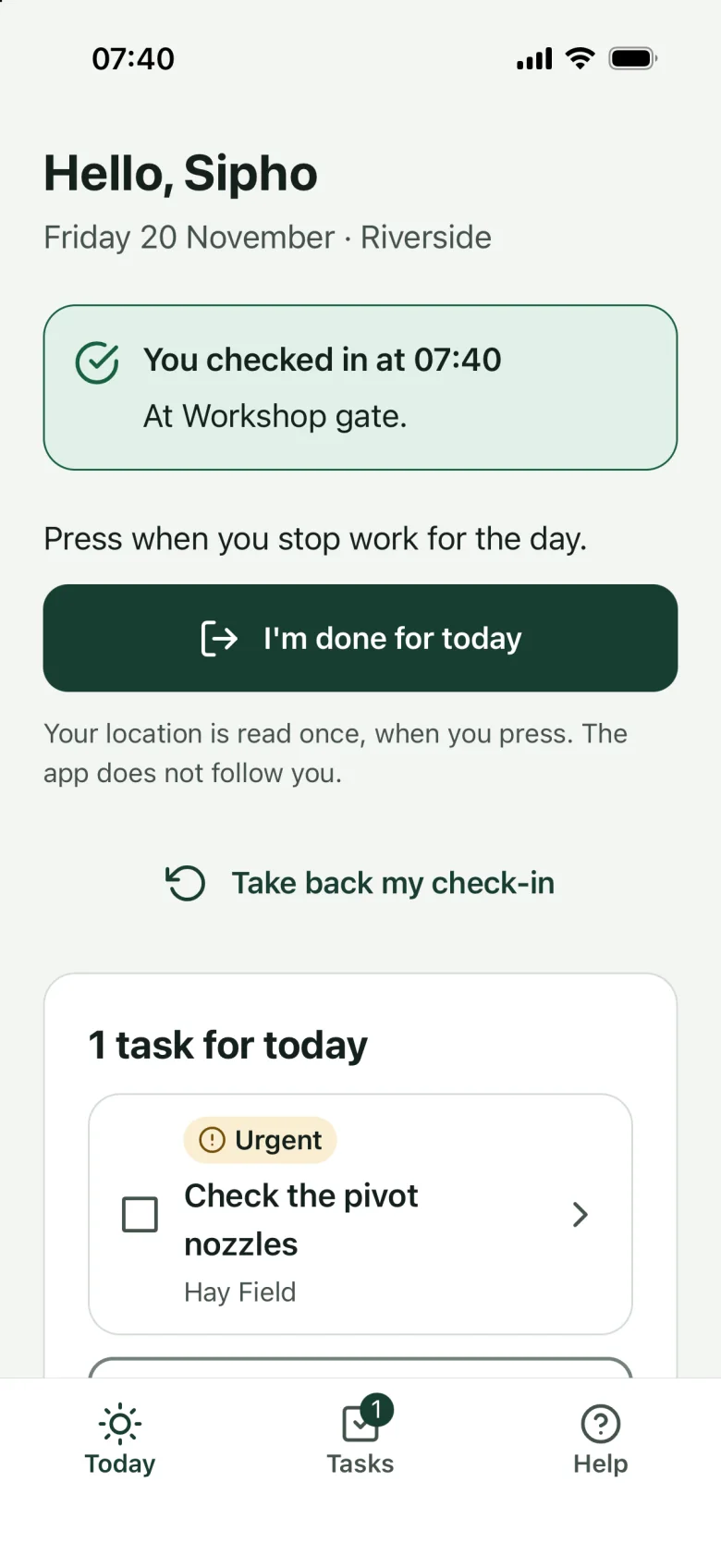
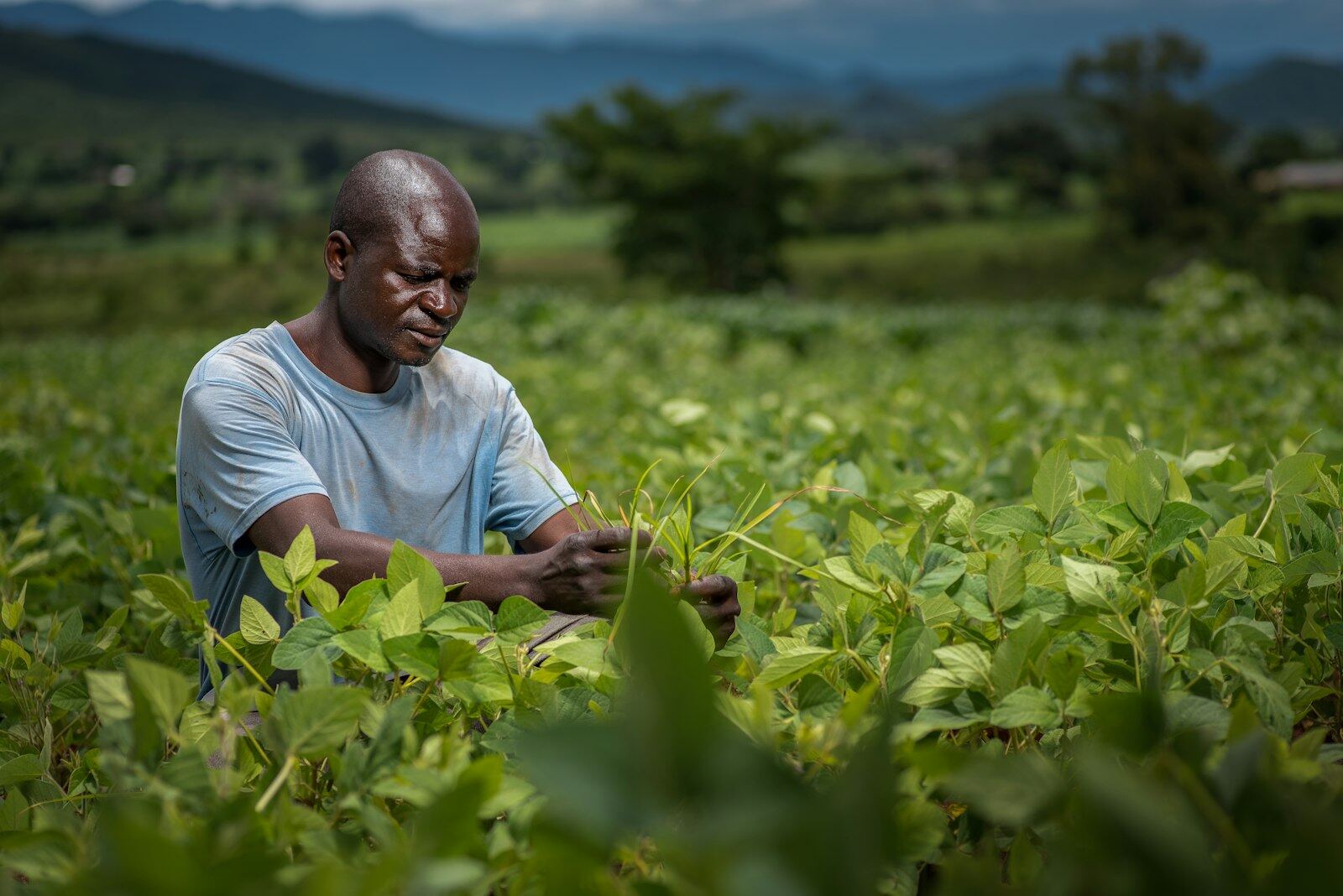
Built to accessibility guidelines from the first screen, for people who did not ask for another app and work with gloves on.
One main button, at most. Everything else is quieter.
Nothing pressable is smaller than 48 by 48 points; the main button is 60 high.
Every colour pair meets WCAG 2.2 AA contrast. Text follows the phone’s size, and the worker can enlarge it further.
A state always has a word and an icon too. A switch says On or Off.
Everything is kept on the phone. Checks and jobs done are sent, in order, when there is signal.
Saved on the phone, waiting to be sent, no signal: each is said in a sentence, with a way to try again.
Print a sign for each check-in point from the main app: the workshop gate, the shed, the dairy. Put it on a post. A worker scans it with the worker app to check in, and the farm knows where they started the day.
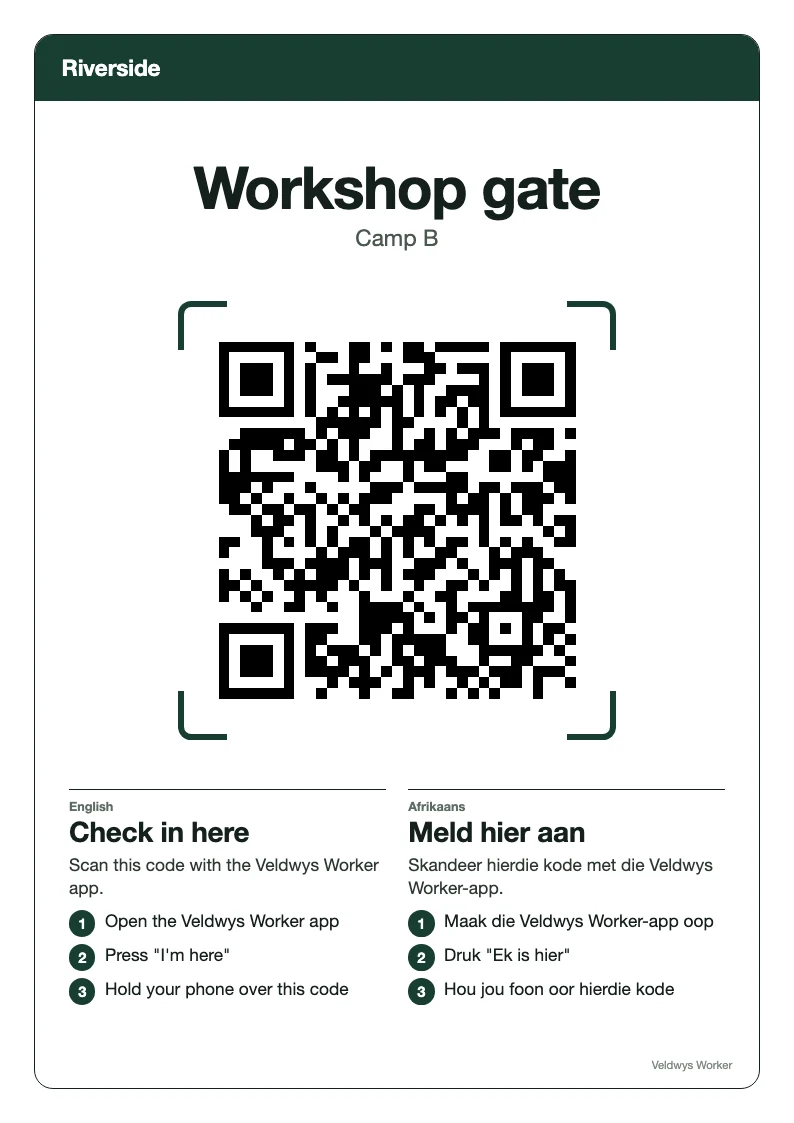
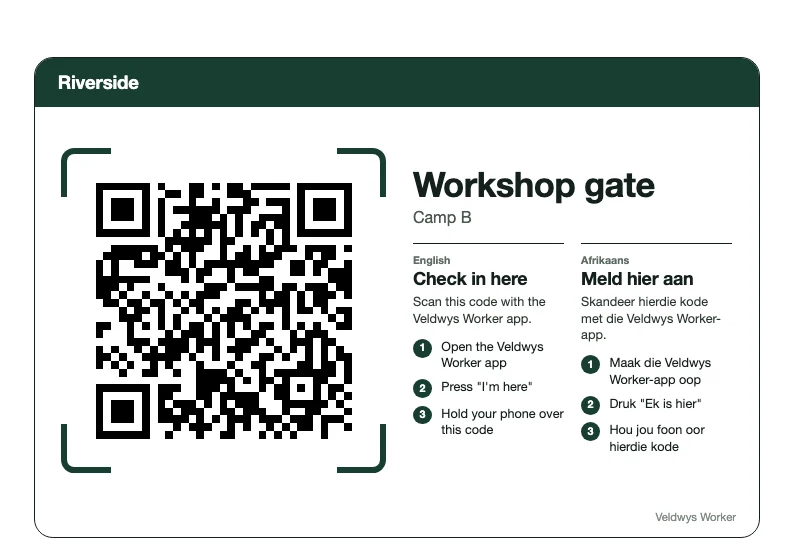
A4, one, two or four signs to a page, in the farm’s colour, with its logo.
Up to three languages on a sign, whatever language the farm works in.
The same sign, scanned by the farmer, opens that piece of land in the main app.
Write the point to an NFC sticker; the worker holds the phone to it.
A worker who cannot scan can still check in. The farm sees that no code was scanned.
A farm can stop a code taking check-ins without reprinting it.
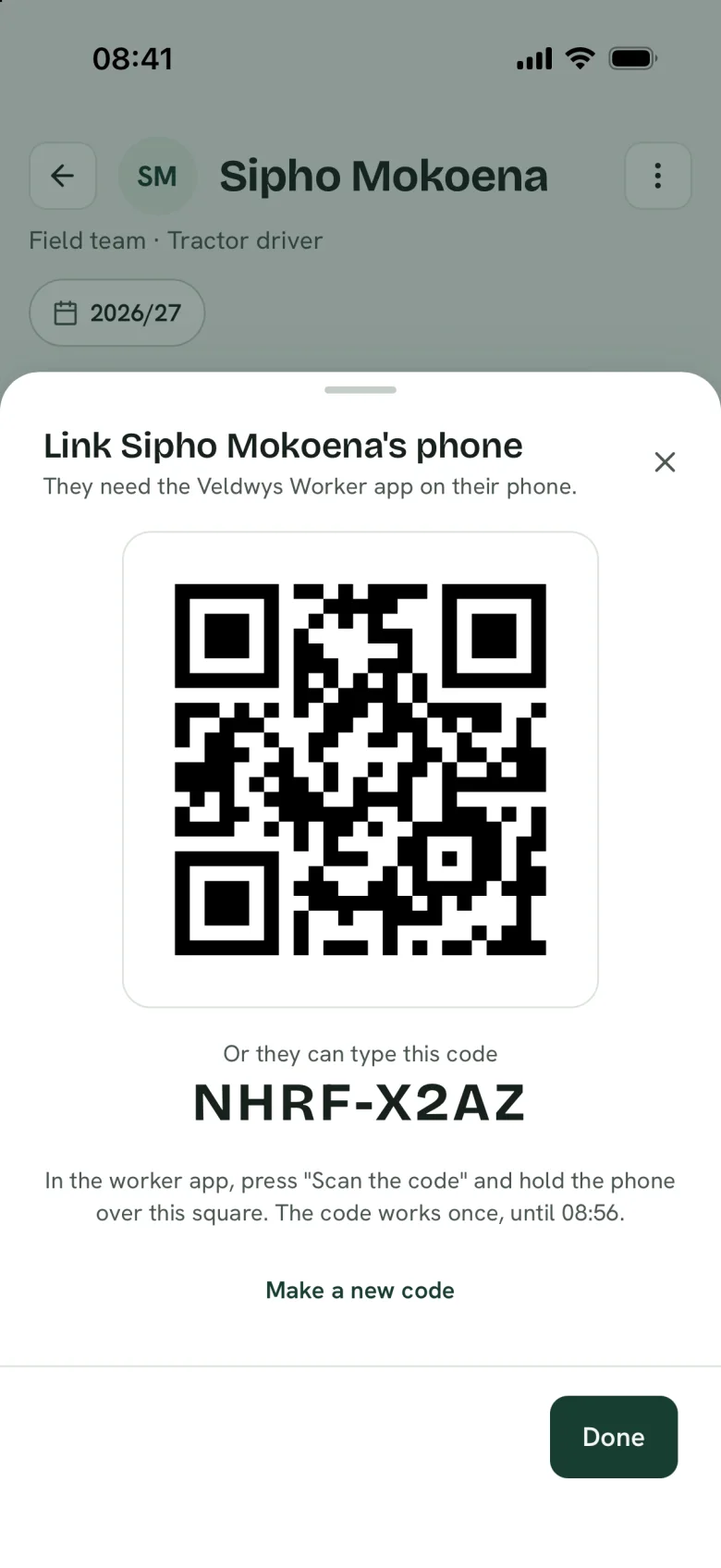
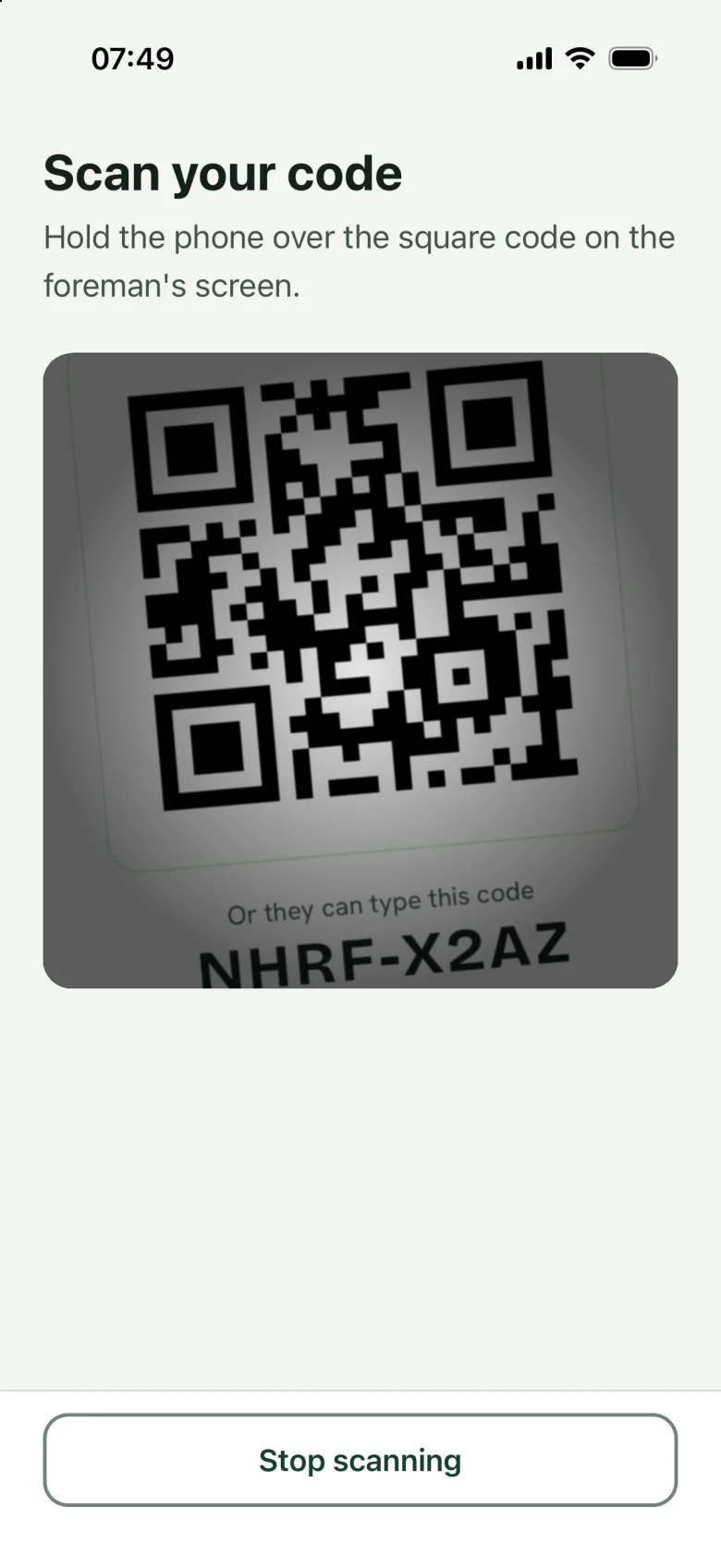
There is no account to make. The foreman links a phone to a worker with a code.
In the main app: Labour, the worker, Link a phone. A square code, or eight letters and numbers.
Or types it. A code works once and for fifteen minutes.
The phone is that worker’s. The farm can unlink it at any time, and so can the worker.
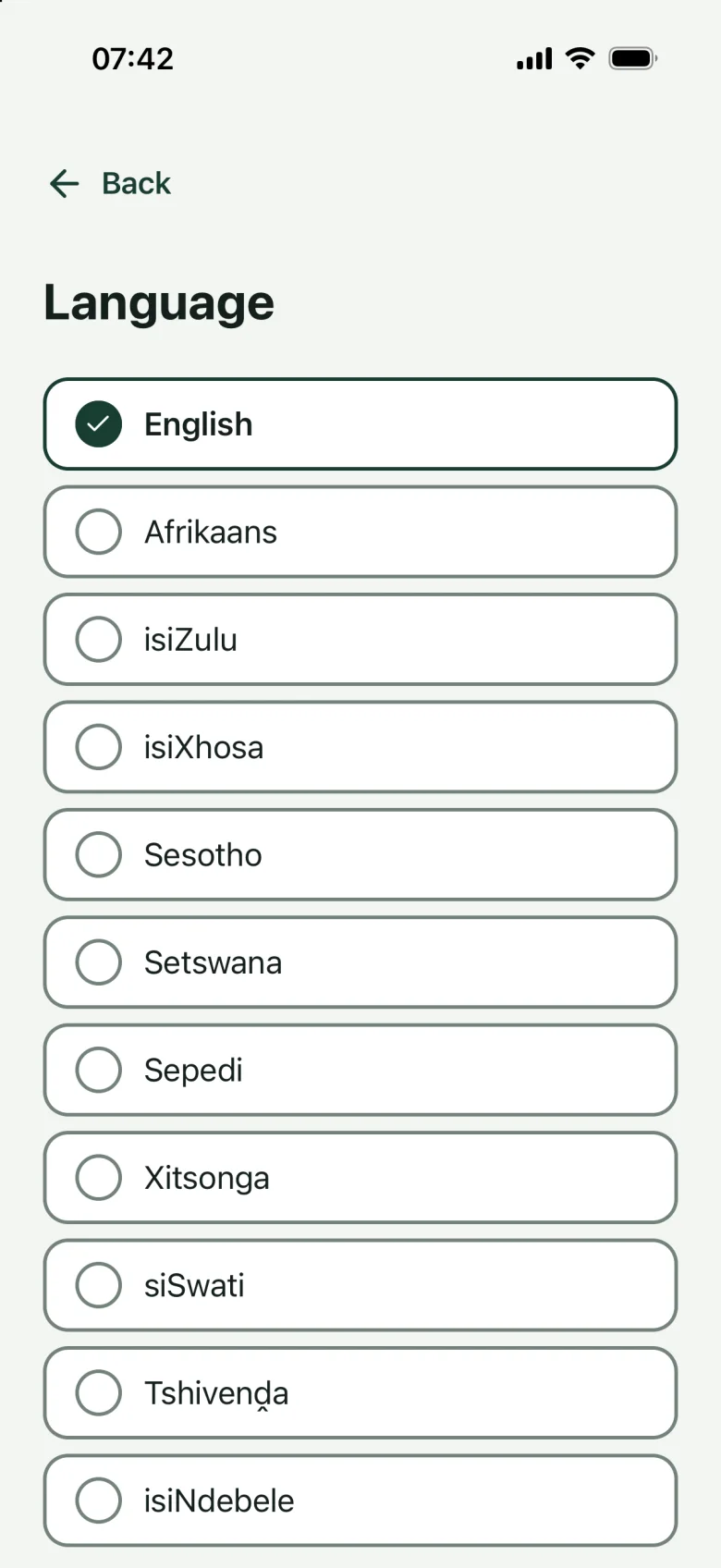
Each listed under its own name. The phone’s language is used until the worker chooses one.
No card needed. Start small. Grow from there.